Your Email Resets Every Other Account. Which Second Factor Is Worth Setting Up on It?
Text codes, authenticator apps, hardware keys and passkeys compared on the one account that can reset all the others, including who covers the loss.
| Published | Section | Technology | |
|---|---|---|---|
| Author | Adaeze Nwachukwu | Reading time | 4 min |
One account decides the fate of the rest, and it is almost always the email address you typed into every signup form since your first job. Bank, brokerage, pharmacy, utility, the payroll portal: each of them will mail a reset link to that inbox on request, which means the inbox is not really an email account so much as the master key to a house with forty doors. The password on it matters less than what stands behind the password. That is the second factor, and the options differ enormously in both what they cost and who absorbs the loss when they fail.
Worth saying plainly at the start: the reason the old advice sounded different is that the people who wrote it revised it. The National Institute of Standards and Technology is responsible for the federal digital identity guidelines that most large providers borrow their internal rules from, and those guidelines were rewritten to move the emphasis away from complexity theater and toward length, breach screening and a strong second factor. The practical consequence for a household is narrow. Stop fussing over the punctuation in your password. Spend that attention on the four choices below, applied to one account.
The code that arrives by text, and the part nobody reads
A six-digit code sent by text is better than no second factor, and it is the one almost every provider offers by default because it needs nothing from you but a working phone. Its weakness is not the code. It is the phone number, which is not really yours; it is assigned to you by a carrier, and it can be moved to a different device by anyone who convinces a retail employee or an offshore support agent that they are you. Federal identity guidance treats codes delivered over the public phone network as the weakest of the accepted methods for exactly this reason. Carriers now offer port-out PINs and number-lock settings, and they are free, and turning them on takes about ten minutes.
Authenticator app versus hardware key, on the account that matters
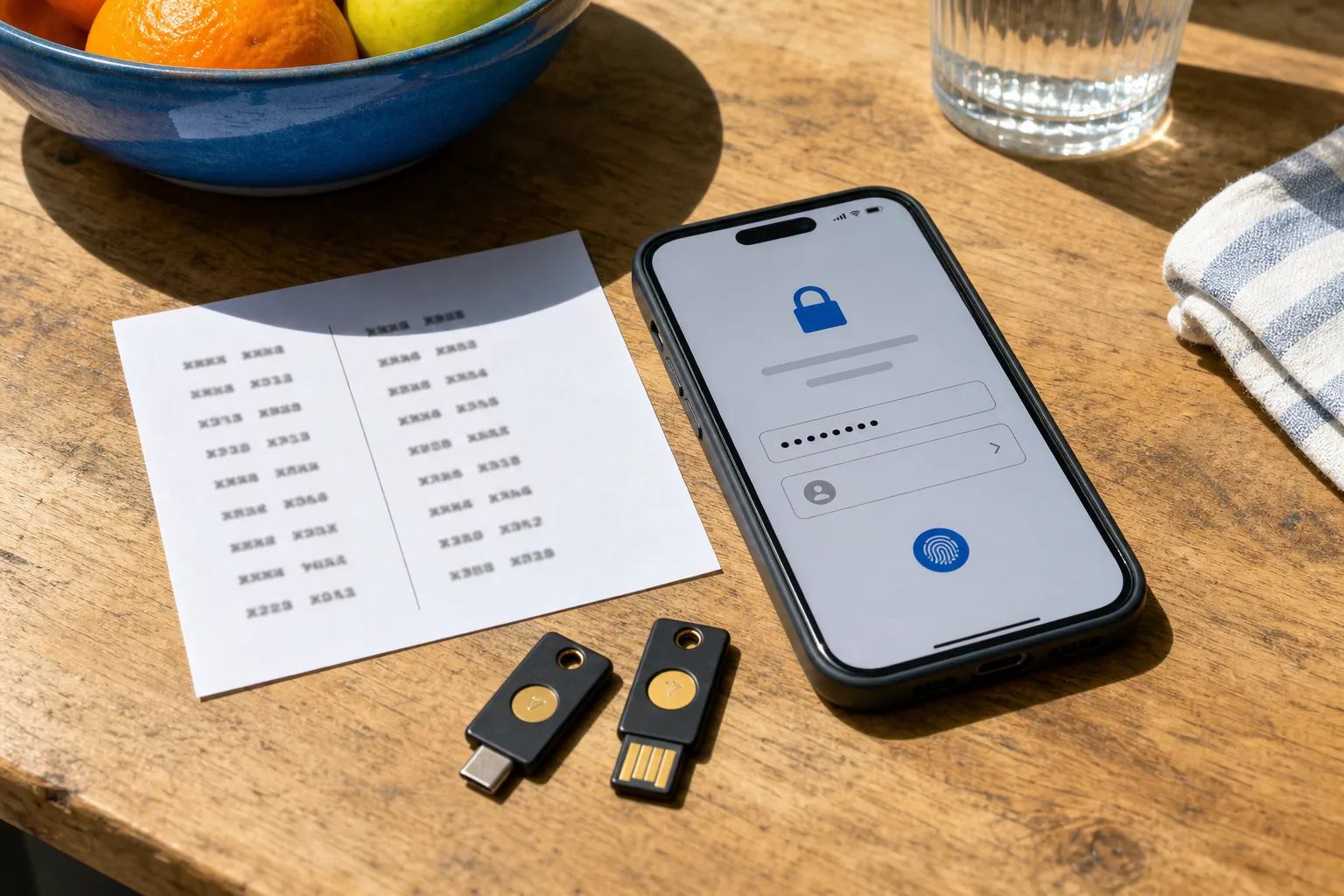
An authenticator app generates the code on your device from a shared secret, so nothing travels over a network that a stranger can redirect. It costs nothing, it works on a phone you already own, and it removes the SIM-swap problem entirely. What it does not remove is the phishing problem: a convincing fake login page will happily ask you for the six digits and pass them along in real time. A hardware key closes that gap, because the key checks the web address it is talking to before it will sign anything, and a fake domain gets nothing. Keys are sold at ordinary consumer accessory prices, and the standard advice is to buy two, so that one can live in a drawer.
The comparison, then, is not app against key on security grounds; the key wins that. It is app against key on recovery grounds. Losing a phone with an authenticator app on it is survivable if you exported the backup codes when you set it up, and quietly catastrophic if you did not. Losing the only hardware key you registered is worse, since the account will ask for a factor that no longer exists. This is why two keys, registered at the same sitting, is the configuration people who do this for a living use. The second key is not a spare. It is the guarantee.
Passkeys, and what the provider actually promises
Passkeys are the newer arrival and they collapse the password and the second factor into one step: a private key held by your phone, laptop or hardware key, unlocked by a fingerprint or a device PIN, checked against the exact domain you are on. They cannot be phished in the ordinary way, they cannot be reused across sites, and there is nothing in a breach dump to leak. The question worth asking before you rely on one is where it lives. A passkey synced through a platform account travels between your devices and survives a lost phone, which is convenient, and which also means the platform account itself becomes the thing standing between an attacker and everything else. A passkey bound to one device does not travel, and that is either discipline or a single point of failure depending on whether you registered a second one.
When a takeover happens, who is left honoring anything
Read the terms on the account you are hardening, and read the recovery page rather than the marketing page. Email providers generally offer a recovery process, not a promise; the language commits them to reasonable efforts to verify identity and reserves the right to refuse, and there is no warranty of restoration and no compensation for consequential loss. That is the actual shape of the protection, and it is why the recovery contacts you register matter more than any support number. Where enforceable protection does exist, it sits downstream at the regulated institutions: your bank and card issuer operate under federal rules on unauthorized electronic transfers and billing errors, with defined notice periods that start when the statement reaches you. The inbox has no such rules. Which is the argument for making the inbox hard to open in the first place.
A single sitting, in the order that avoids locking yourself out
The sequence is what keeps this from going wrong. Set a long unique password on the email account first, stored somewhere you can reach without the email account. Register the strong factor next, two hardware keys or two passkeys on separate devices, and confirm both by signing out and signing back in with each. Then generate and print the backup codes, and keep them where you keep the passport and the title. Only after all of that, remove the text-message option, or leave it in place as a last resort if your provider treats it as a fallback that an attacker cannot invoke. Finally, check the recovery email and phone on file, because a stale one is a door you forgot you cut.
Do the phone carrier lock the same afternoon. It is the cheapest of the four measures, it protects the fallback you may not be able to fully remove, and it takes one call.